
how to connect lmstudio to android using anythingllm

heres how i connected to llmstudio via a client app on android.
PREREQUISIT:
- zerotier
- PC with nvida graphics card
i needed to run lmstudio server
lms server start --port 3000
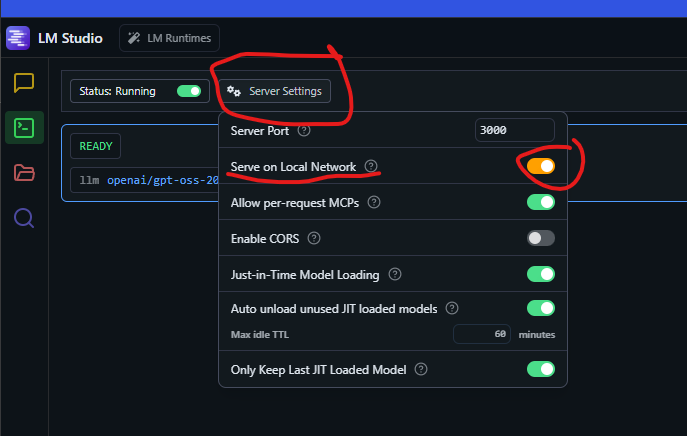
important step. you need to give lm studio server access to connect over the network
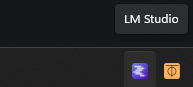
click serve on local network
test to see if it works
in my case its
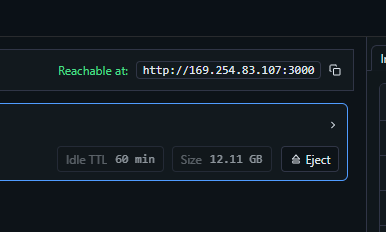
success
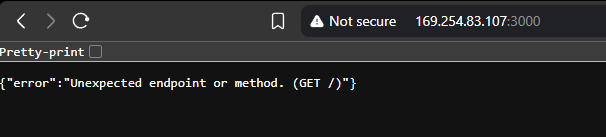
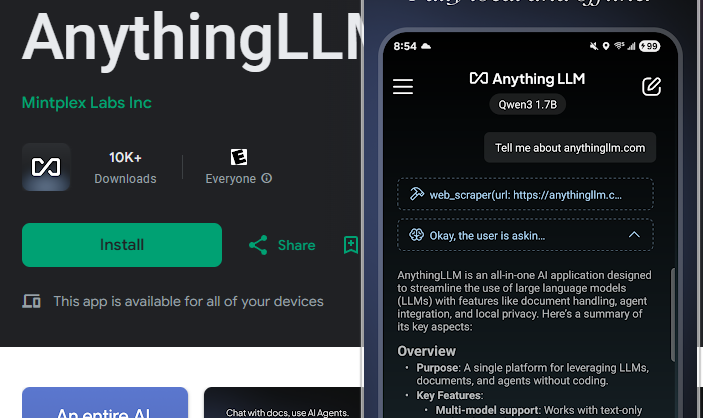
Now switch over to your android phone, download Anythingllm
AnythingLLM - Apps on Google Play
Your private, on-device AI agent and assistant.
 Mintplex Labs Inc
pro tip: to avoid downloading a local model, turn off cellular and wifi then open app
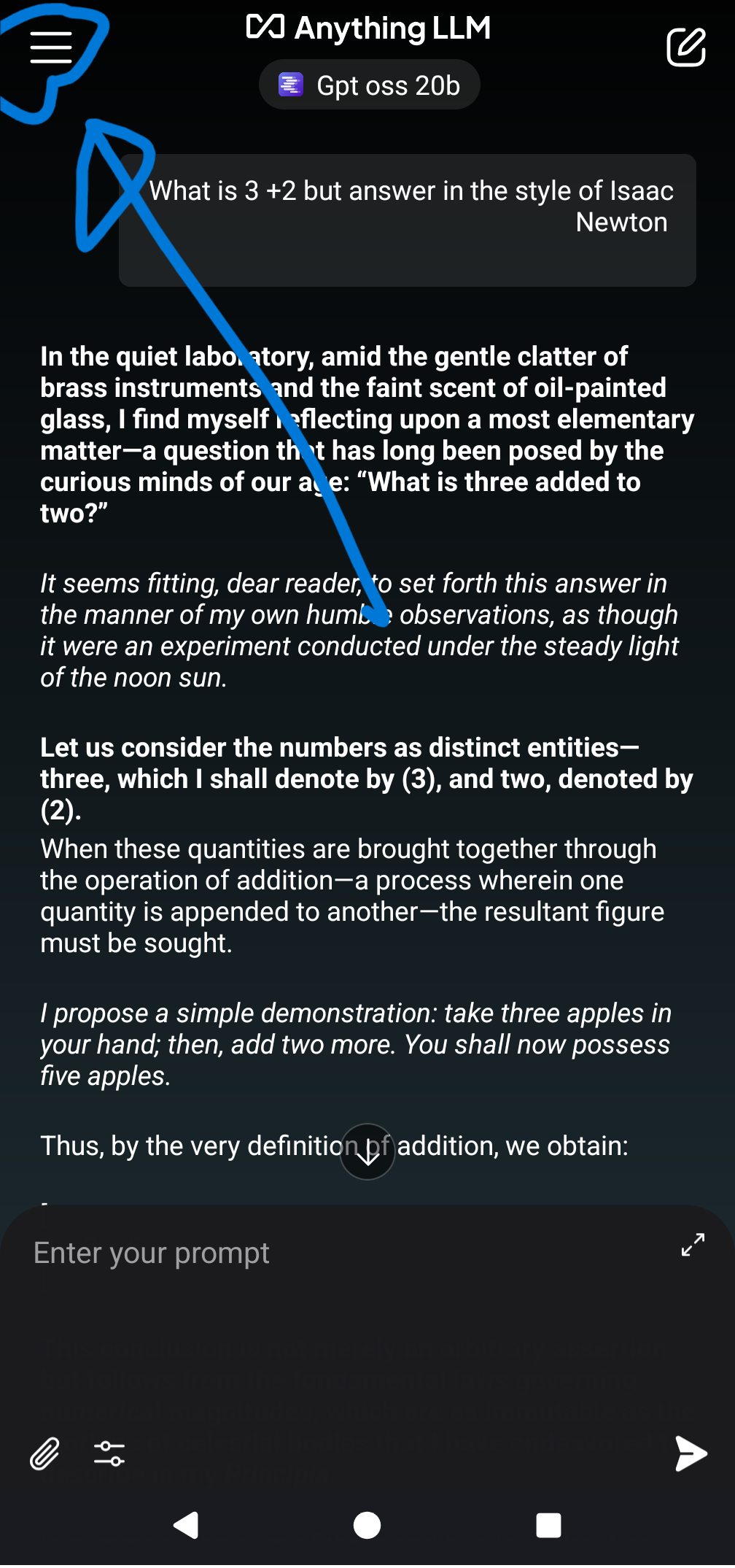
after downloading open settings
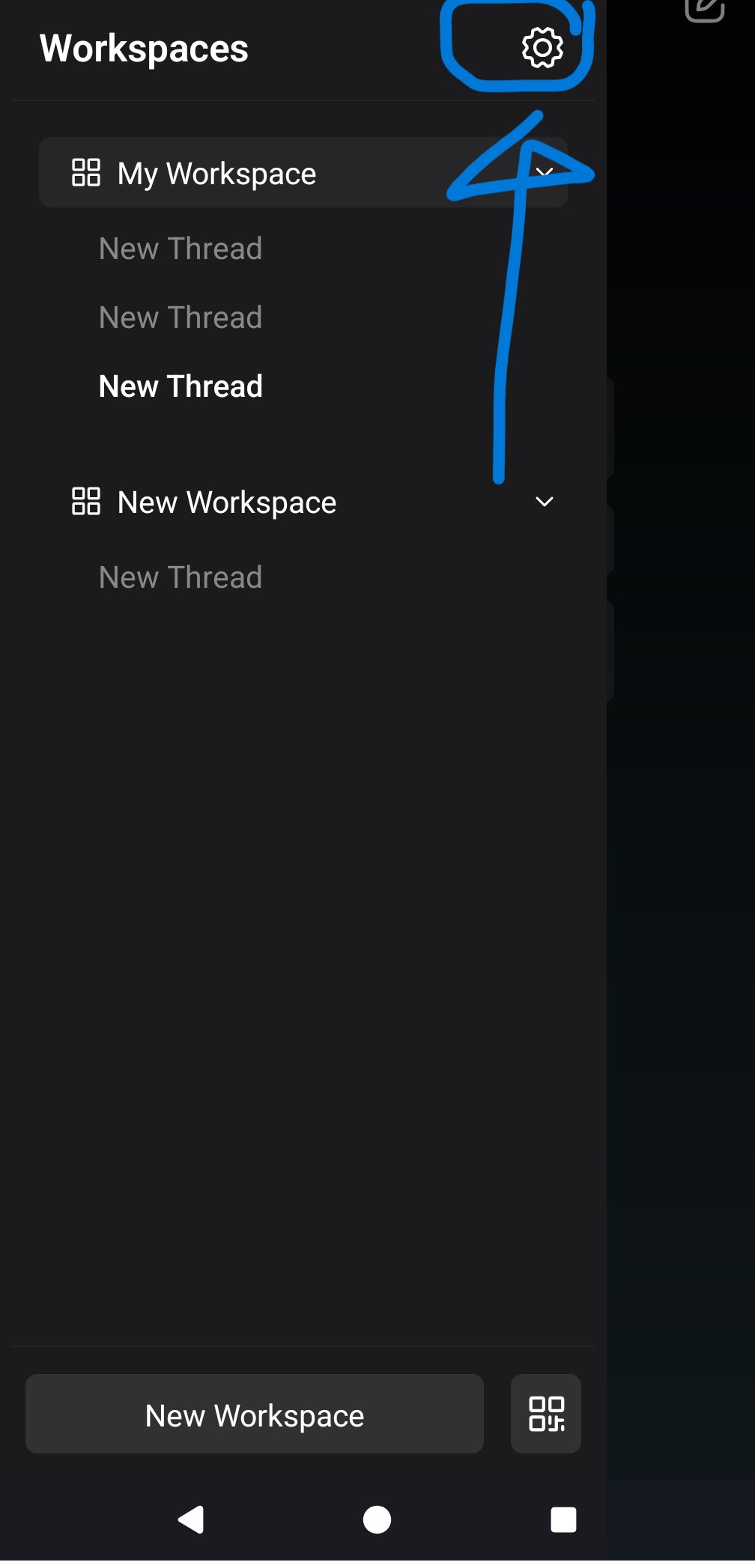
select lmstudio from the list of providers
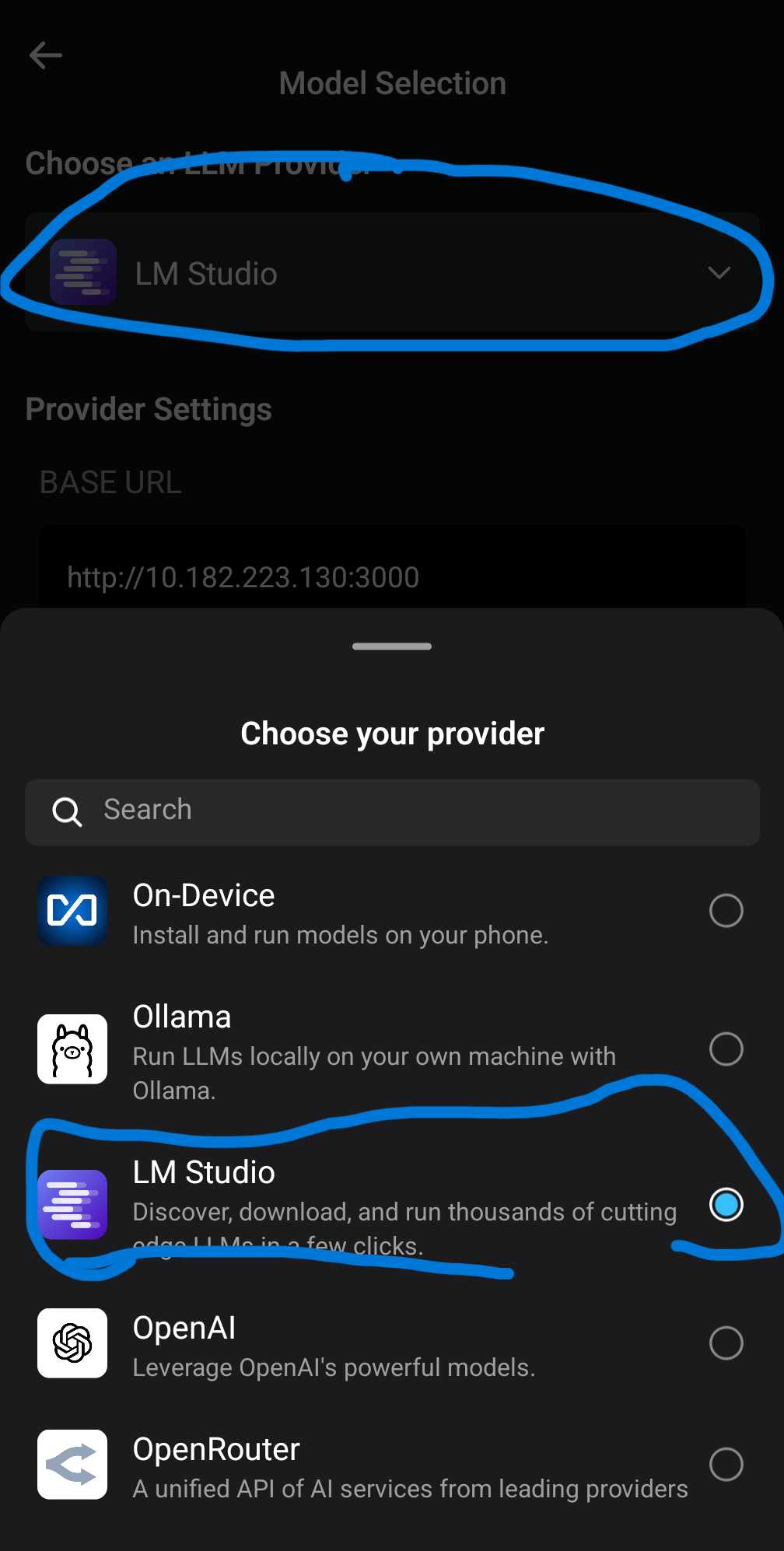
now enter the address (zerotier ideally) with the port for my example it was 10.182.223.130:3000
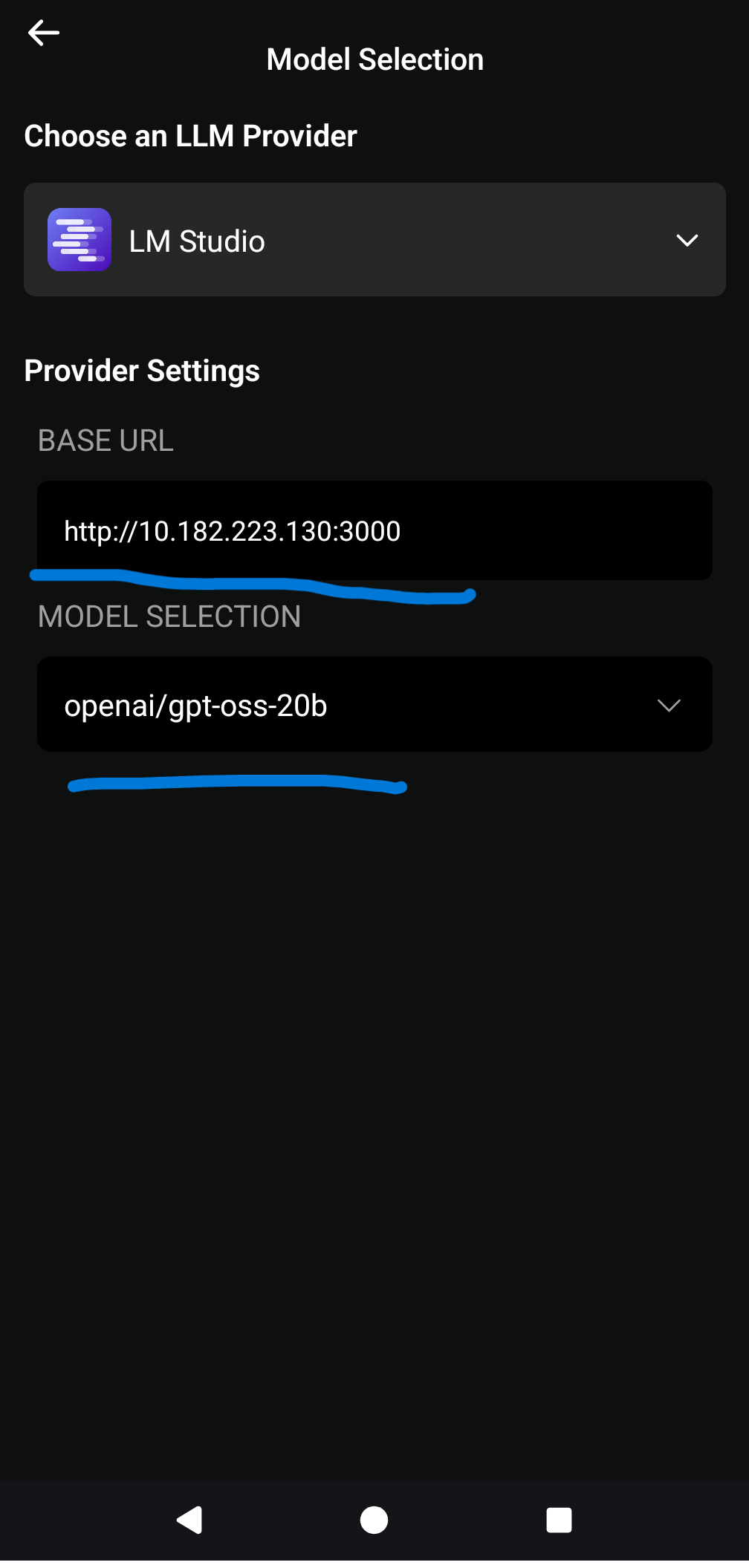
TIP: if nothing pops up in the model selection. check to see if you enabled "serve on local network" from within lmstudio
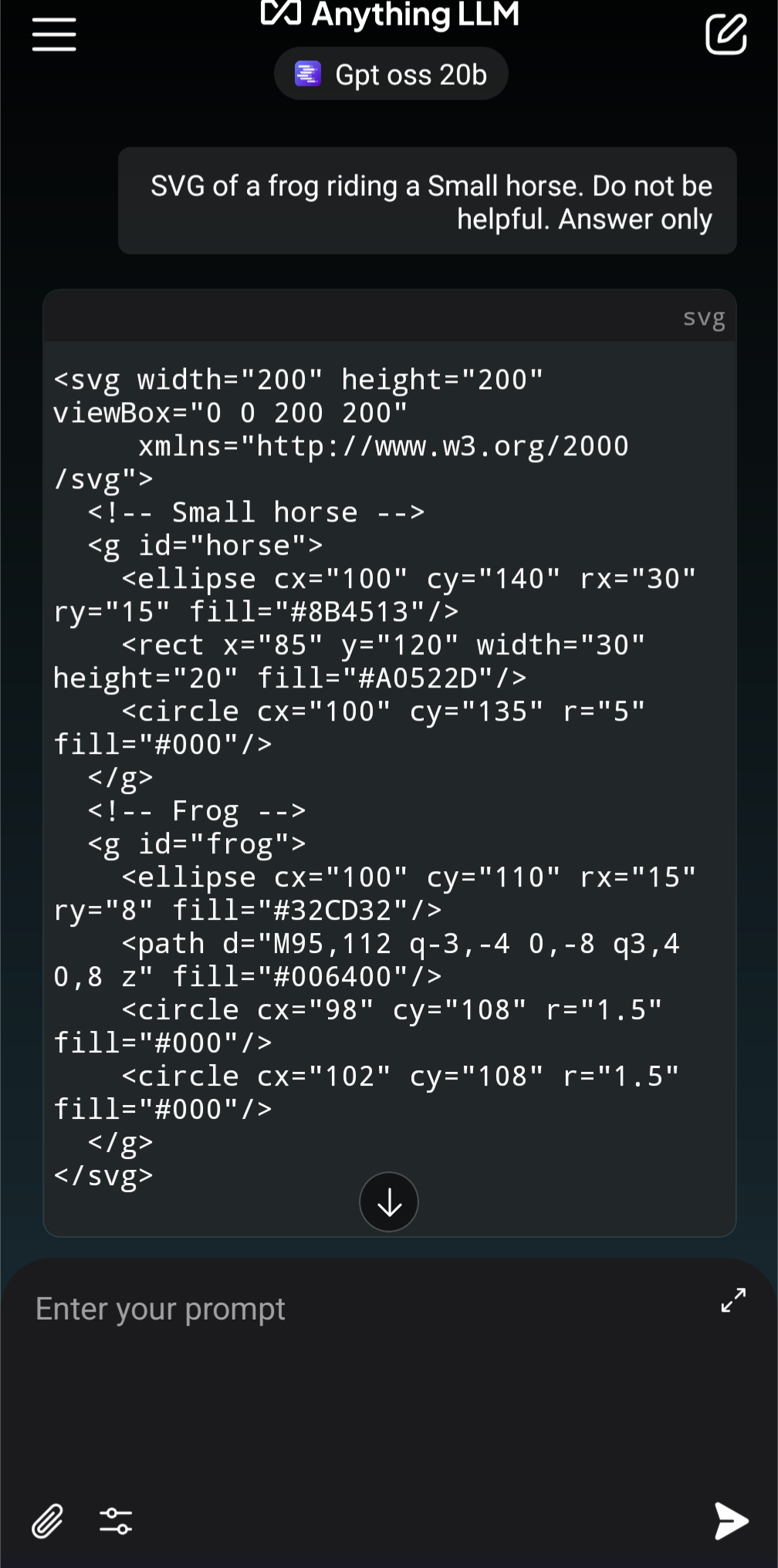
Enjoy your localllm freedom!

Author
by oran c@llins
github.com/wisehackermonkey
Para valorar camiseta de portero de fútbol con criterios claros, es recomendable revisar el corte de las mangas y la libertad de movimiento. Las fotografías y la ficha del producto deberían confirmar que las fotografías muestren mangas, puños y parte trasera.

XXXXXXXXXX